Search across study documents
Search PDFs, scanned PDFs with OCR, DOCX, TXT, RTF, and Markdown files by keyword, phrase, or natural-language question.
DocCite for Apple devices
Add your protocols, amendments, informed consent forms, and study manuals. Search them together, review the cited passage, and open the source on the Apple device in front of you.

The current app
These captures use fictional demo documents.
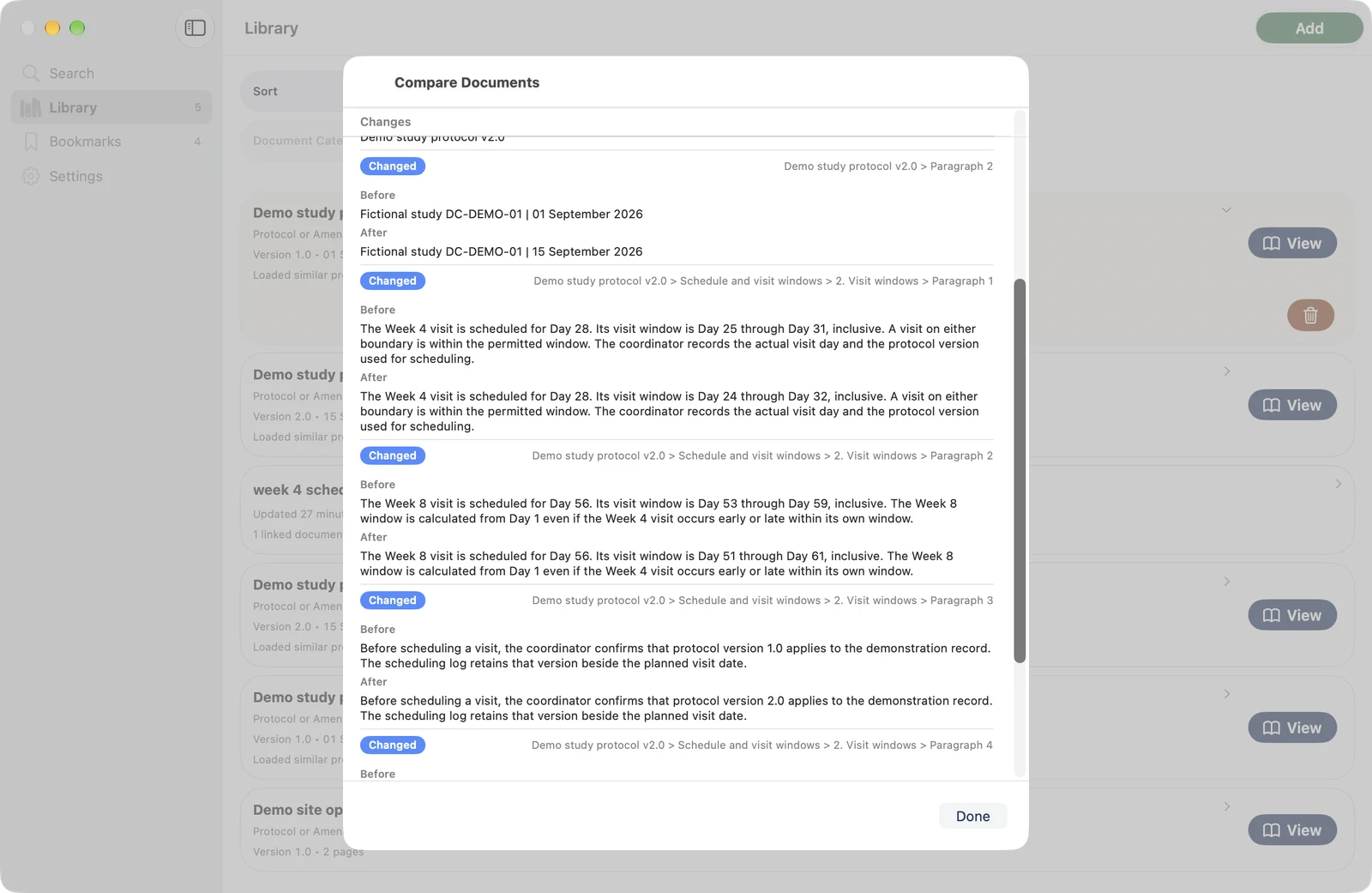
What you can do
Search PDFs, scanned PDFs with OCR, DOCX, TXT, RTF, and Markdown files by keyword, phrase, or natural-language question.
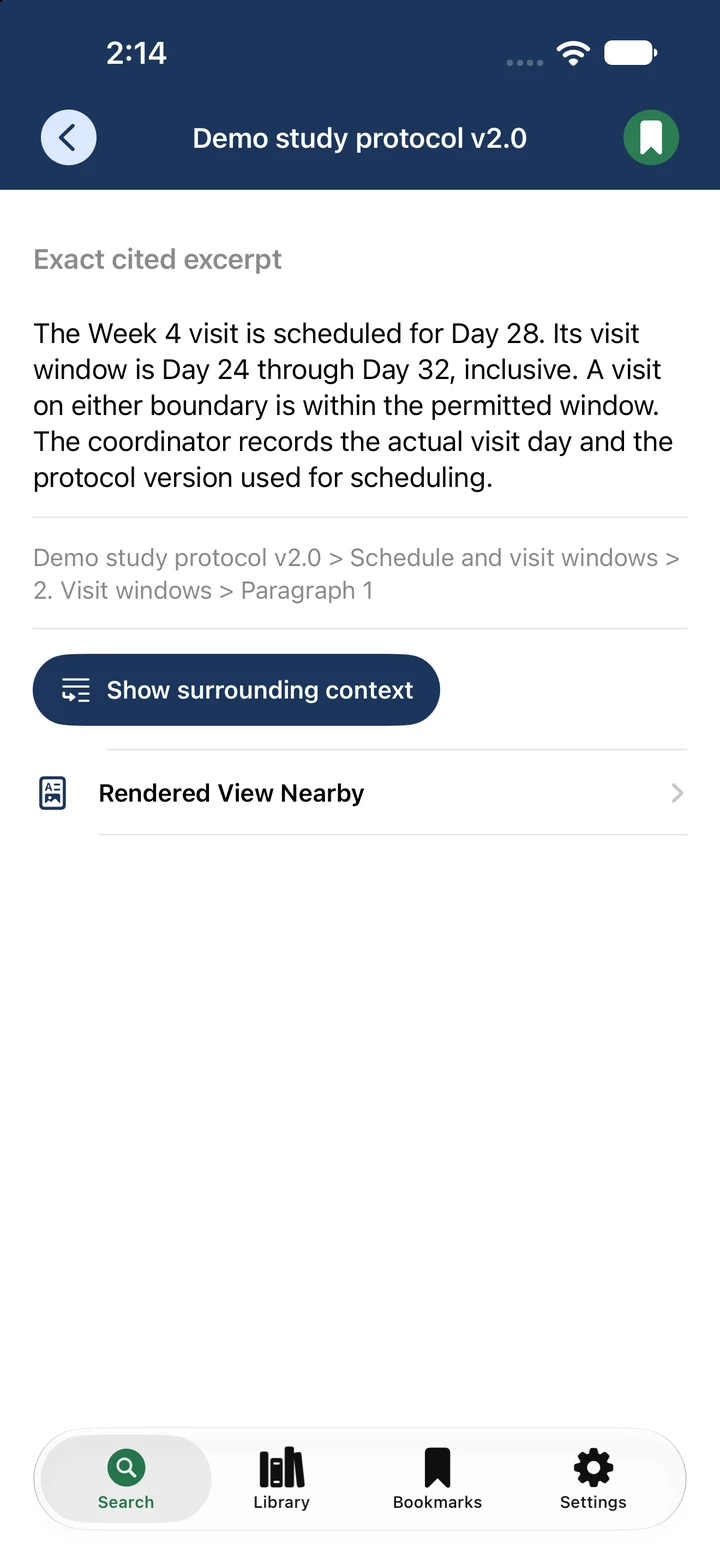
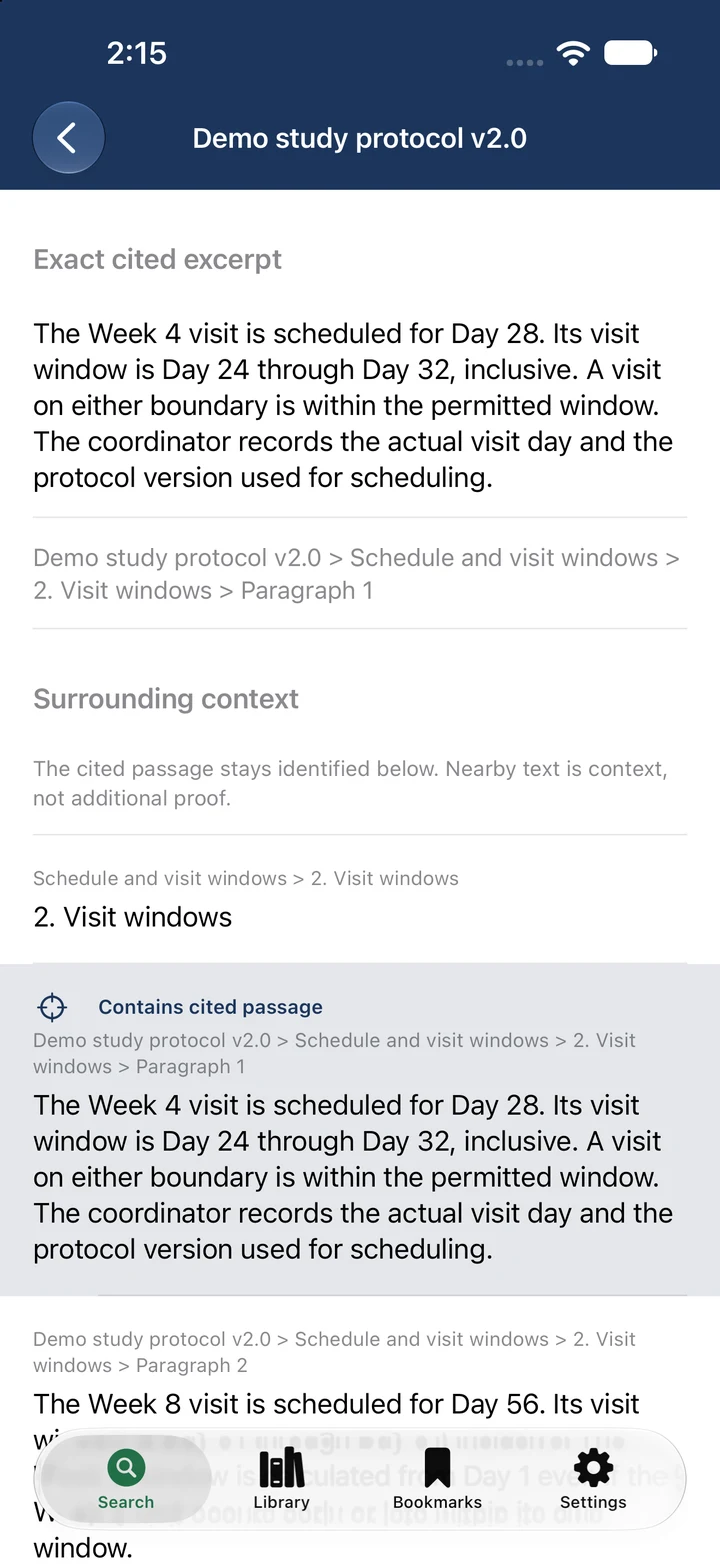
Each result identifies the document and location. Open the citation to read the surrounding source language.
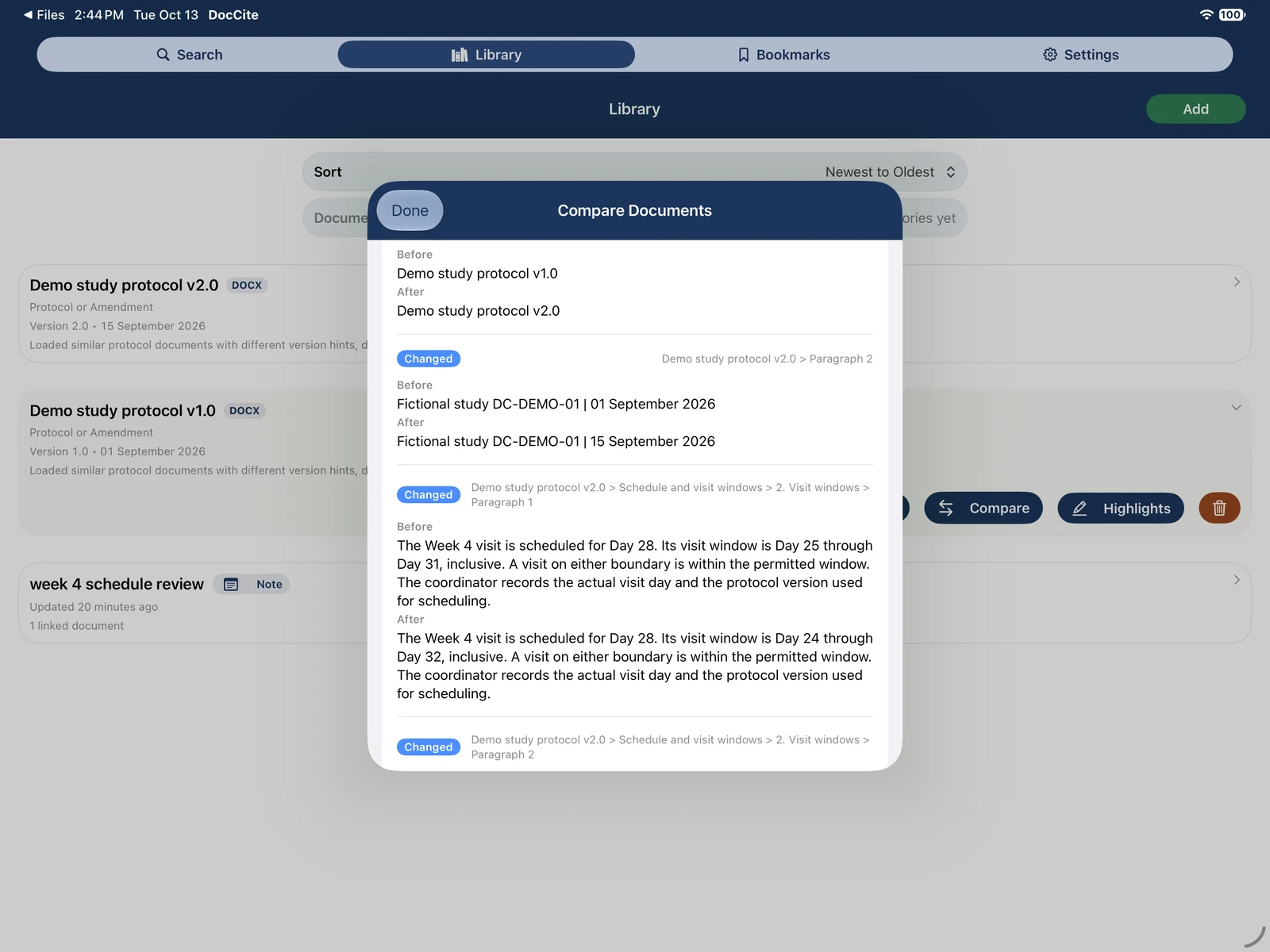
Compare two documents, add PDF highlights, save bookmarks, and copy an answer with its citations.
Use categories, bookmarks, recents, and document properties to return to the files and passages you use most.
Add your documents
Choose files, share a document into DocCite from another app, or capture a document with the camera or photo library.
Choose files in Finder or drag supported documents into DocCite.
Requirements
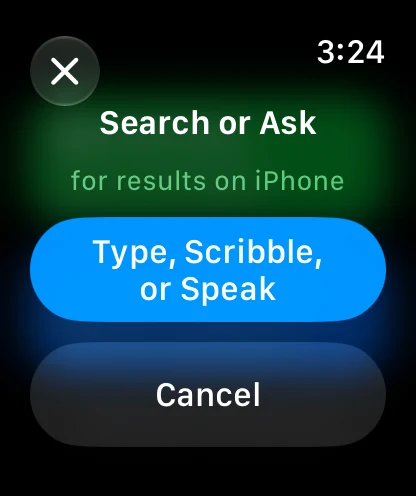
Apple Watch can send a question or note to its paired iPhone. Document import, search, and cited-answer review take place in the iPhone, iPad, or Mac app. The watch companion requires watchOS 9 or later.
The product tour follows a real question from the search result to the cited source.