Search a desktop document library
Search PDFs, DOCX, TXT, RTF, and Markdown files by keyword, phrase, or question. English OCR can make scanned PDFs searchable.
DocCite for Windows
Search protocols, amendments, informed consent forms, and study manuals from the desktop where monitoring reports, screening logs, and study correspondence are already being prepared.

The current app
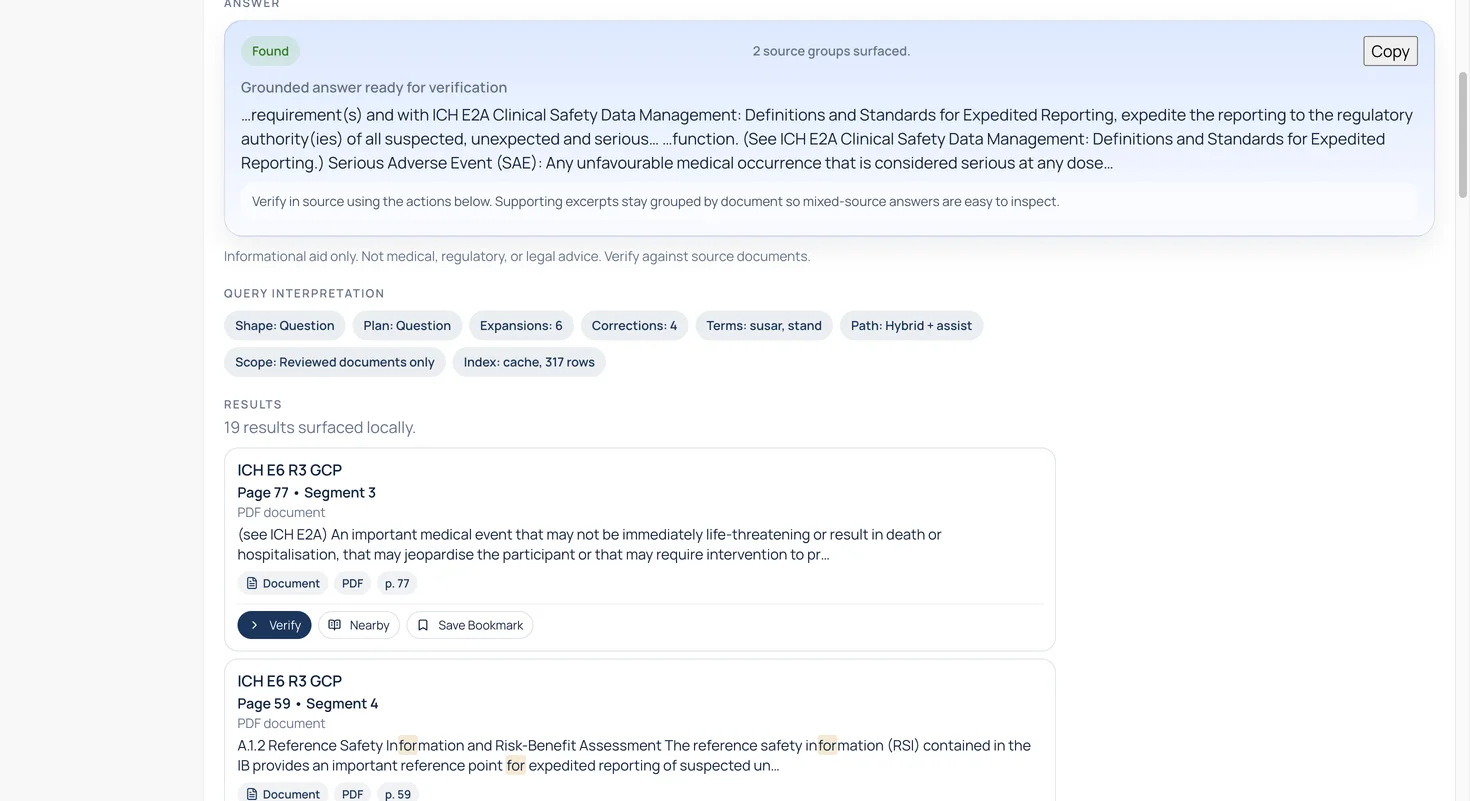
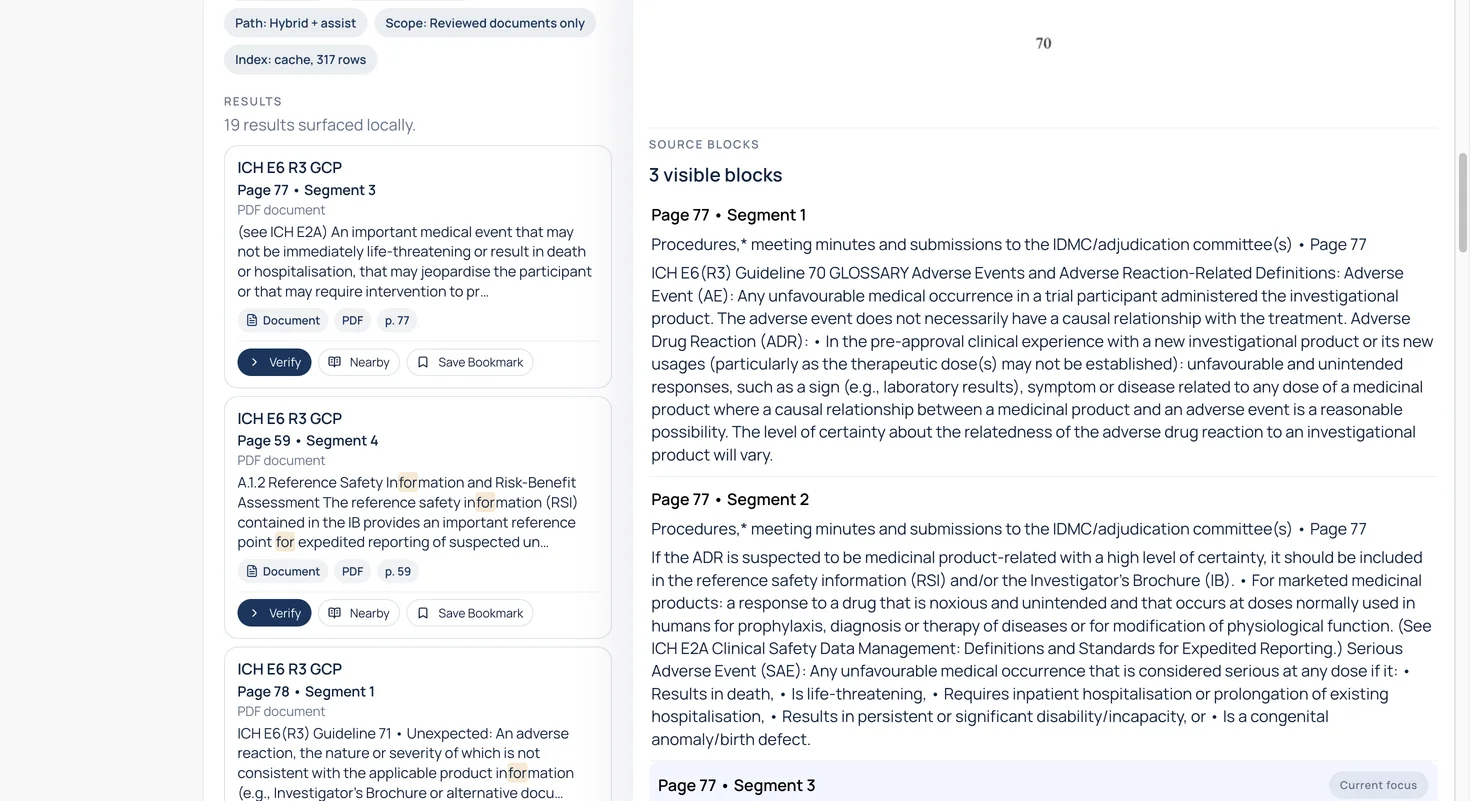
What you can do
Search PDFs, DOCX, TXT, RTF, and Markdown files by keyword, phrase, or question. English OCR can make scanned PDFs searchable.
Open a cited result to review the relevant page and searchable source blocks while the result list remains available.
Compare two files, add highlights, save bookmarks, and copy an answer with source details for a monitoring report or follow-up note.
Use document properties and the review queue to return to files that need another check.
Add your documents
Choose a file or folder, drag documents into DocCite, or open a supported file with the app.
Use Open with, Send To, or the watched DocCite Share Inbox to bring supported files into the library.
Requirements
The Windows release does not use the native Windows Share target. Use Open with, Send To, drag and drop, or the DocCite Share Inbox instead.
The product tour follows a real question from the search result to the cited source.